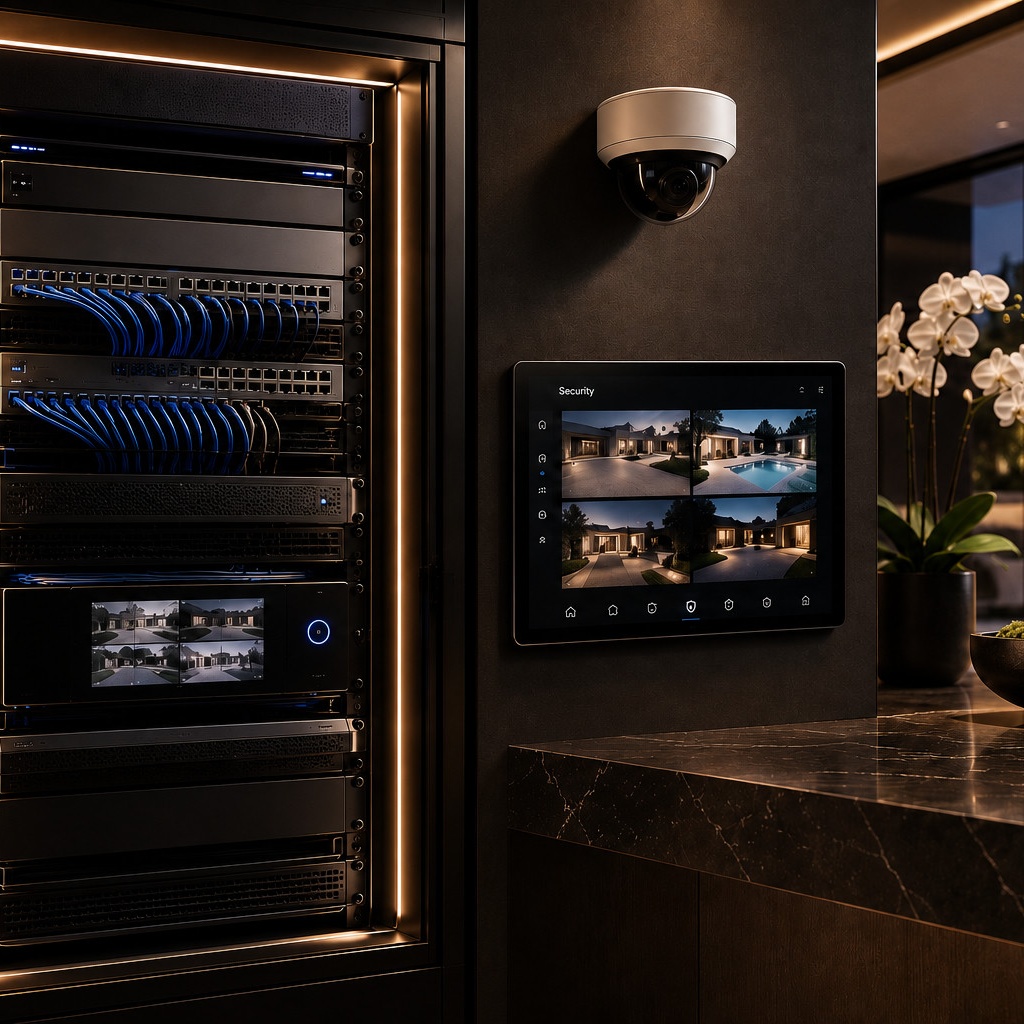
Ring built its name on easy, wireless, consumer-friendly security — a doorbell and a few cameras, set up in an afternoon, with cloud video history behind a monthly subscription. UniFi Protect solves the same core problem — recorded, monitored video — from the opposite direction: wired PoE cameras, local recording on hardware you own, and no required subscription to keep your own footage.
| Criteria | UniFi Protect | Ring |
|---|---|---|
| Storage | Local, on owned hardware — no required fee | Cloud, requires Ring Protect subscription |
| Camera connection | Wired PoE, planned cabling | Primarily wireless, battery or plug-in |
| Install | Professionally designed & wired | Self-install, plug-and-play |
| Ecosystem | Integrates with UniFi networking & access control | Standalone consumer ecosystem |
| Ongoing cost | None required for local recording | Monthly or annual subscription |
| Best for | Permanent multi-camera installs, estates | Renters, quick DIY setups |
Ring's model is genuinely convenient for a renter or a first camera at the front door — no wiring, no NVR, video review in an app within minutes. The tradeoff is that meaningful video history lives behind a recurring subscription, and Ring recently raised those prices again.
UniFi Protect flips that: wired PoE cameras feeding a local recorder you own outright, with no subscription required to keep full video history. It asks more up front — planned cabling, a proper recorder, professional design — and pays that back with a system that's fully yours and integrates natively with the same UniFi network already running the rest of the home.
For a permanent security installation on a home we're already wiring, UniFi Protect is almost always the better long-term investment — local ownership, no recurring camera fees, and one ecosystem with the rest of the network. Ring remains a reasonable choice for a quick, temporary, or rental-friendly setup where wiring isn't an option.
Correct — local recording to owned UniFi hardware requires no ongoing fee. Optional cloud backup and some advanced features are available, but core local recording and review are included.
Upfront, often yes. Over several years, Ring's recurring subscription can add up to more than UniFi Protect's one-time hardware and installation cost, especially with Ring's recent subscription price increases.
Some Ring models offer wired power options, but the ecosystem as a whole is built around wireless, self-install convenience rather than planned structured cabling.
Yes — it shares the UniFi ecosystem with the home's networking and access control, and integrates with platforms like Control4 as part of a broader system design.
See the full Security & Networking service, or read the Luxury Security & Surveillance Guide for how we design estate-scale coverage.
Explore Security & Networking