Every smart home conversation eventually comes down to the same fork: a professionally engineered platform like Control4, or a DIY ecosystem built around Amazon Alexa, Google Home, or Apple Home. Both can turn lights on and lock a door. Only one of them is actually designed to run an entire luxury estate without falling over.
DIY platforms are built for a single homeowner adding one device at a time from a phone. Control4 is built by an integrator, engineered before drywall goes up, and supported by a dealer who answers the phone when something needs adjusting five years later. The right answer depends less on budget and more on how much you want the system to simply work, invisibly, for the life of the house.
Alexa is a voice assistant with smart home features bolted on. Control4 is a smart home platform that happens to support voice control — including Alexa itself, if you want it. That's the fundamental difference: Alexa Routines are simple if-this-then-that automations built in an app, capped at how much logic a consumer routine builder can express. Control4's Composer engine handles conditional, multi-device, whole-house logic — "if it's after sunset and the theater is in use and no one has entered the kitchen in 20 minutes, dim the halls and arm the perimeter" — the kind of layered automation Alexa routines can't approach.
Reliability is the other gap. Alexa devices depend on Amazon's cloud for most processing; when the internet drops, so does most of the automation. Control4 processes locally on a dedicated controller, so lighting, climate, and AV keep working even if the connection to the outside world doesn't.
Google Home's strength is a clean app and strong voice recognition, and it plays nicely with an already-Google household. Its weakness for a large estate is the same as Alexa's: it's a single flat app trying to represent every device in the house as equal peers, with no concept of rooms behaving differently across a five-thousand-square-foot property, and no professional design layer behind the automations.
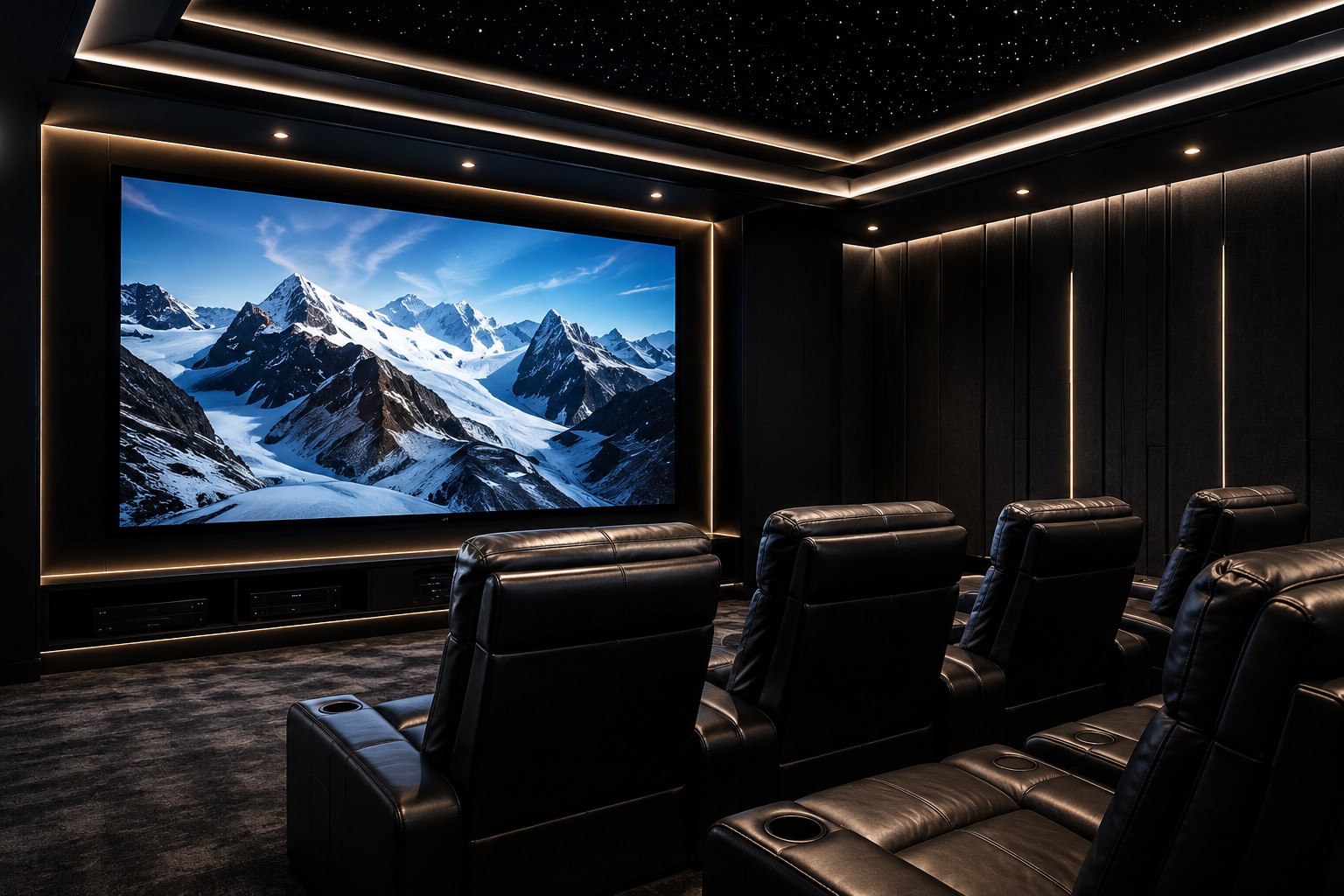
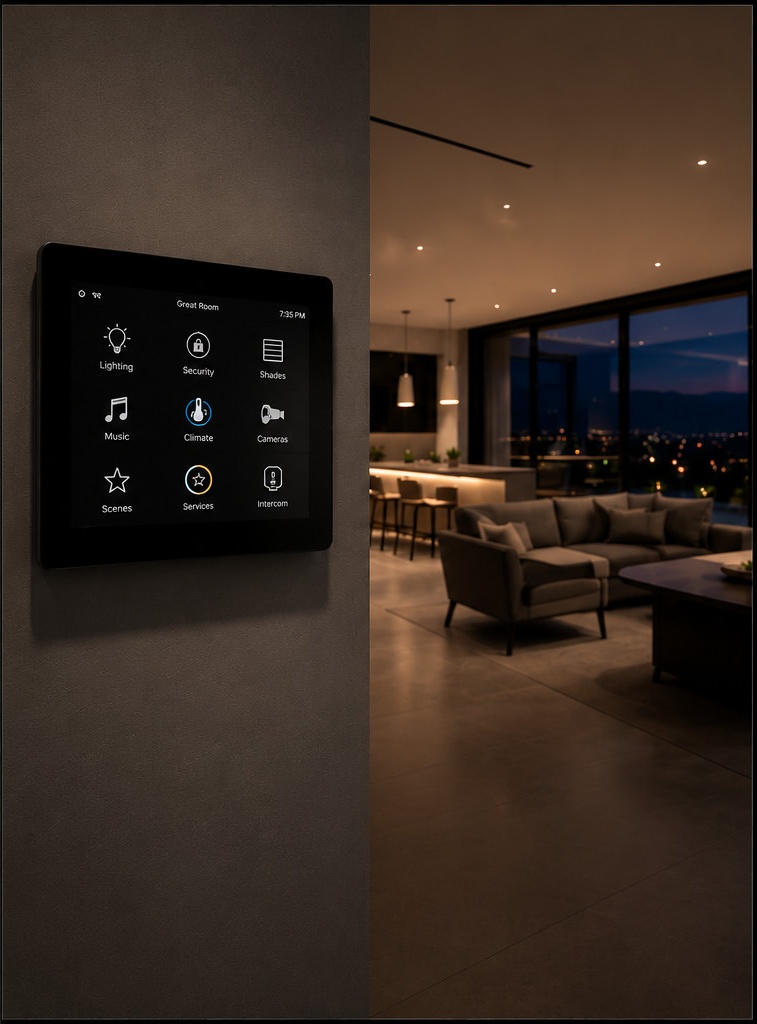
Control4's interface is designed room by room, with custom programming for how each space is actually used — a media room's touch panel doesn't look or behave like a mudroom keypad, because they're not doing the same job. That distinction rarely matters in a condo. In a house with a home theater, a wine room, a pool house, and a gated entry, it's the difference between a system that feels considered and one that feels like a pile of gadgets.
Apple Home is the most polished DIY option and the most private, processing locally through a HomePod or Apple TV hub rather than leaning as hard on the cloud. It's also the most closed: device support is narrower than Alexa or Google, third-party integration is limited to what's been Apple-certified, and there's no path to true whole-home AV distribution, motorized shade choreography, or estate-scale security integration without leaving the Apple ecosystem entirely.
Control4 doesn't compete with Apple Home so much as absorb it — a Control4 system can sit alongside HomeKit and hand off simple voice commands to Siri, while everything structural (AV matrix switching, lighting scenes, shading, security, multi-room audio) runs through the professional layer underneath.
DIY platforms are cheaper to start, require no appointment to add a smart plug, and work fine for a single renter or a starter home with a handful of devices. For a primary residence you plan to live in for a decade, that advantage disappears fast — the DIY system that was quick to set up is also the one nobody's coming to fix.
| Criteria | Control4 | DIY (Alexa / Google / Apple) |
|---|---|---|
| Setup | Professionally designed & installed | Self-installed, app-by-app |
| Automation logic | Complex, conditional, whole-house | Simple routines, single-trigger |
| Reliability | Local processing, works offline | Mostly cloud-dependent |
| Support | A dealer who answers the phone | Community forums, app support |
| Whole-home AV | Native, matrix-switched | Limited or third-party add-ons |
| Scalability | Built for 10 or 500 devices | Gets unwieldy past a few dozen |
| Upfront cost | Higher, project-based | Low, pay-as-you-go |
| Best for | Primary residences, estates | Apartments, starter smart homes |
Yes — Control4 is designed to sit above those platforms, not replace them entirely. Most clients keep voice control through whichever assistant they prefer while Control4 handles the structural automation underneath.
It can be, but the value curve is steepest in larger homes with more rooms, more AV zones, and more complex automation needs. For a one-bedroom condo, a well-configured DIY setup is often genuinely sufficient.
A Control4 system keeps running — lighting, climate, and local AV are processed on-site. Most DIY ecosystems lose the bulk of their automation the moment the connection drops.
DIY can start near zero if you already own the devices. Control4 is a project-based investment that scales with the home's size and complexity — a real number comes from a consultation, since it depends entirely on scope.
See the full Smart Homes service, or talk to a Luxury Technology Advisor about what a Control4 system looks like in your house.
Explore Smart Homes